Built for safer and smarter ice fishing

Your mobile ice safety and winter fishing companion

Ice Fishing Hub combines safety awareness, fishing guide content, hotspot inspiration, quick personal notes and a useful weight calculator in one clean mobile experience designed for cold-water trips and ice sessions.

0 inch ice safety callout shown in the app gauge example
0 main utility flows for guide, notes, calculator and catches
0 hour-style access to fishing notes and guide content on the go
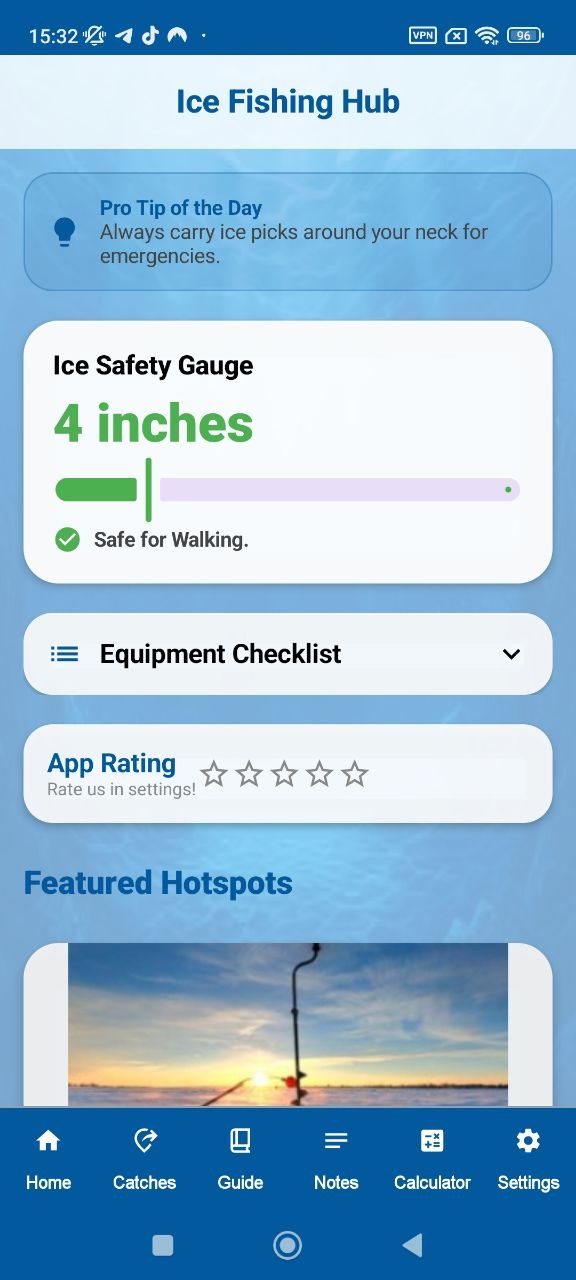
Ice Safety Gauge Fast visual thickness context before heading out
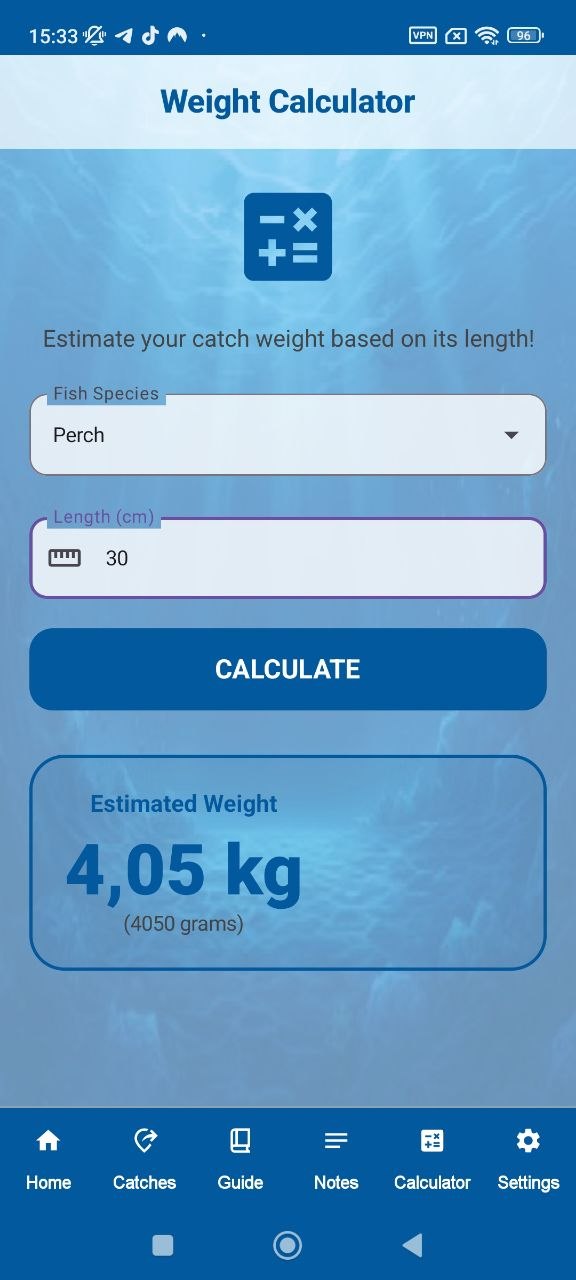
Weight Calculator Estimate catch weight from selected species and length
Ice Fishing Hub home screen
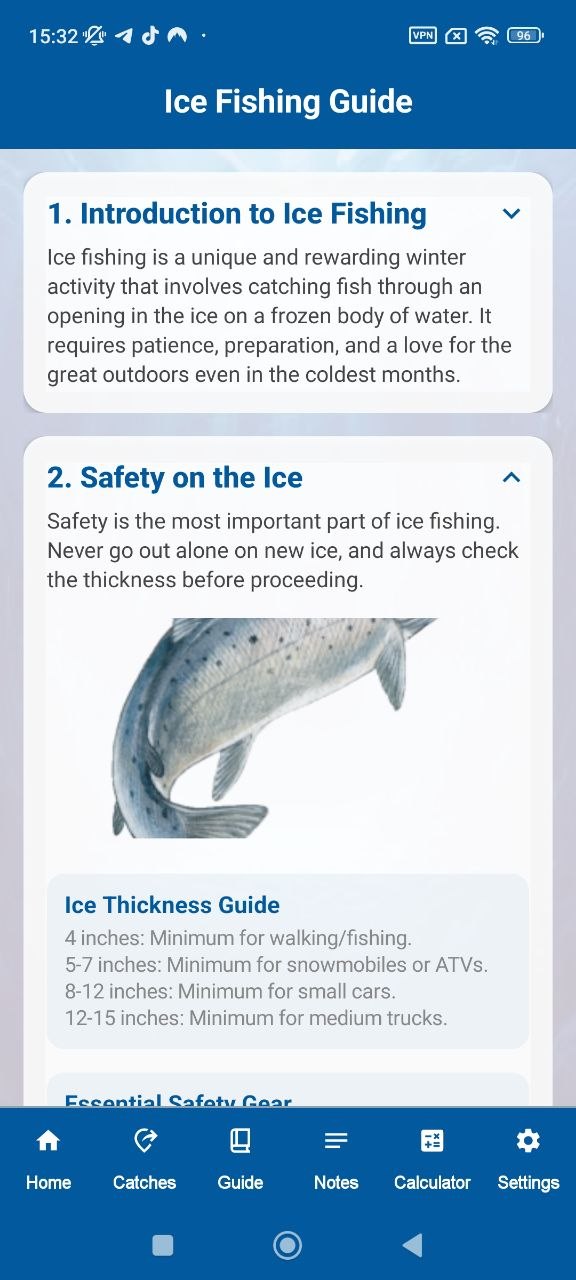
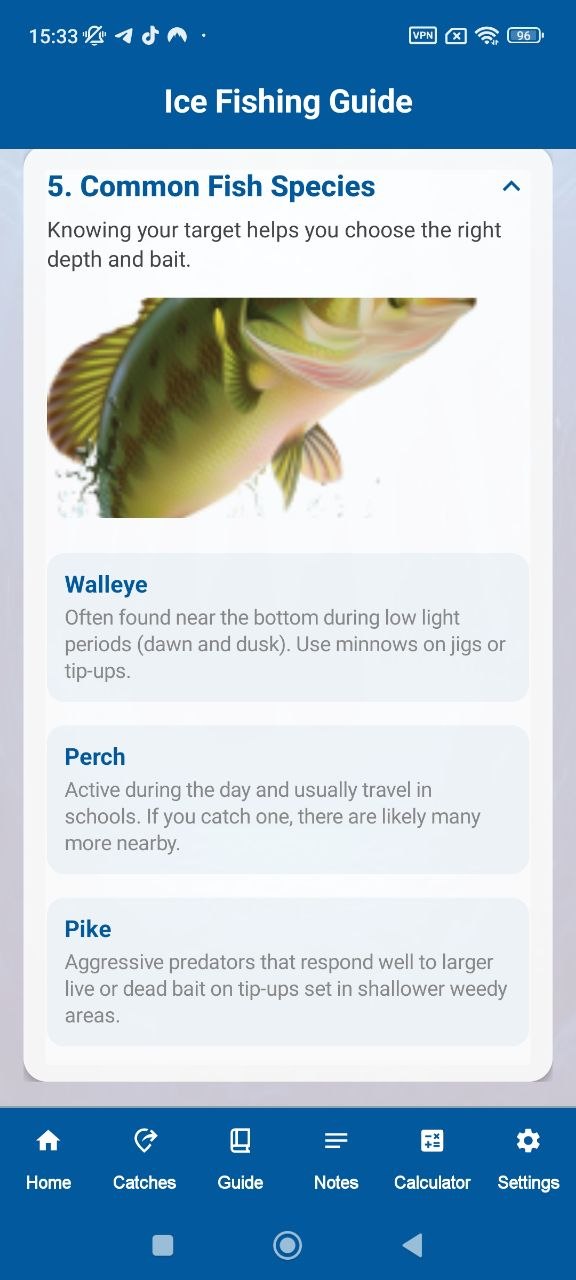
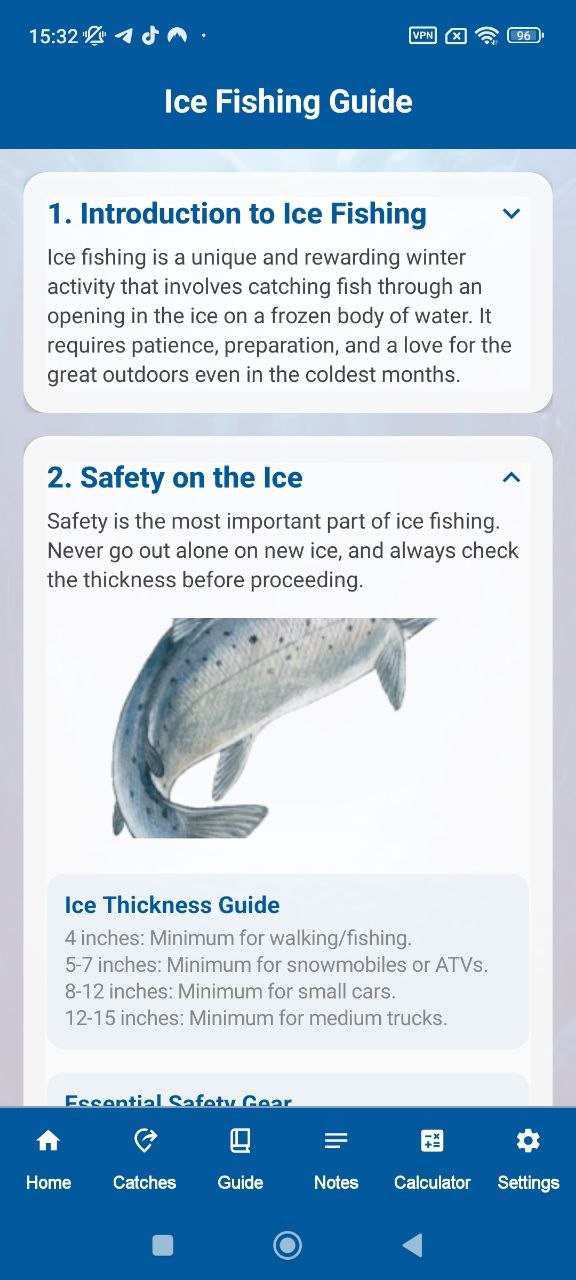
Ice Fishing guide screen
Weight calculator screen
Ice Thickness Awareness Fishing Guide Fishing Notes Weight Calculator Featured Hotspots Checklist Settings & Rating Ice Thickness Awareness Fishing Guide Fishing Notes Weight Calculator Featured Hotspots Checklist Settings & Rating
Feature story

Each selected screen is used as a real product argument

Instead of dumping giant screenshots into one gallery, the landing uses a tighter structure where each screen explains a specific part of the product.

Home overview

Open the app and immediately see safety, utility and fishing context

The home screen combines an ice safety gauge, tip of the day, equipment entry points and hotspot previews. That makes the app feel useful before the user even dives deeper.

  • Fast safety message at the top
  • Ice thickness status presentation
  • Featured hotspots on the same screen
Hotspots

Use fishing locations as discovery content, not filler

Destination cards give the app a broader lifestyle angle and make it feel more complete than a plain utility tool.

Guide

Teach key winter fishing basics inside compact reading blocks

The guide screen turns the app into a learning product with structured educational cards and safety sections.

Notes

Keep trip notes, observations and reminders in one place

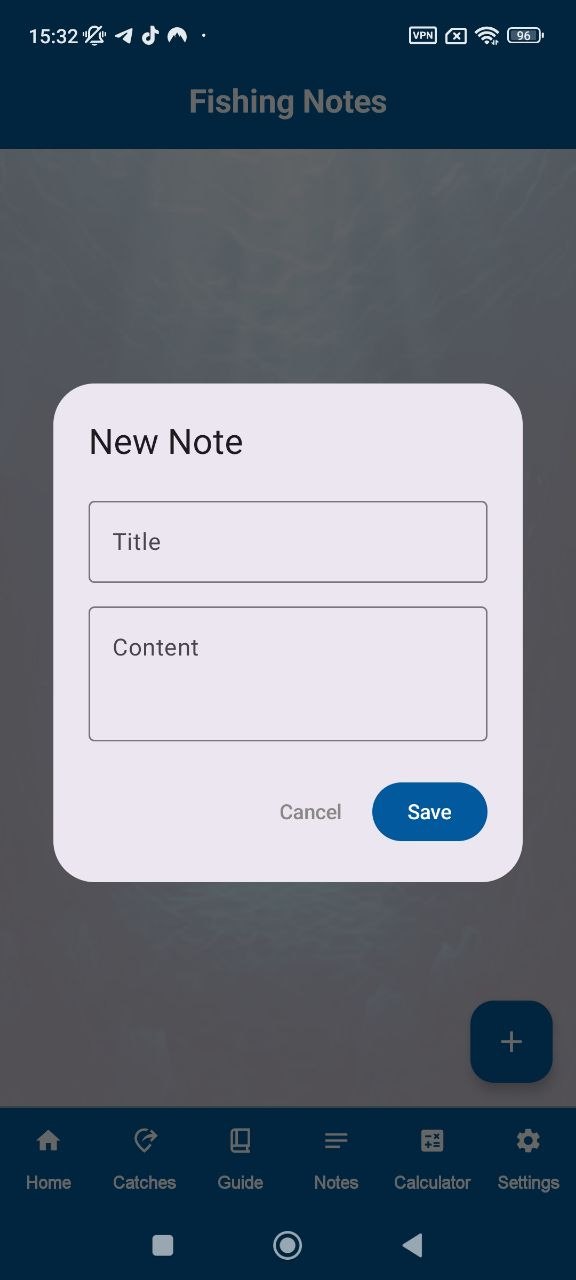
The note modal gives the product a practical field use case that works well for returning users.

Calculator

Estimate catch weight without switching apps

Built-in length-based estimation gives the app another useful tool layer beyond reading and note-taking.

Settings

Simple utility actions for sharing, rating and data reset

The settings screen keeps the app functional and complete without turning it into a bloated interface.

Deeper structure

Same level of interactivity, but a different visual architecture

This layout keeps modern interactions like tabs, reveal animation, spotlight, modal preview and tilt, but the page composition is rebuilt around an icy editorial product style.

Lead with safety before anything else

The product’s strongest practical angle is the visible ice thickness context and cold-environment preparedness cues.

Ice gauge Safety tip Checklist access Cold trip context
Safety home preview

Give the user readable education inside the app

Instead of just being a tracker, Ice Fishing Hub teaches preparation basics, species notes and winter fishing logic.

Accordion guide Species basics Fishing foundations Safety learning
Guide screen preview Fish species guide preview

Add simple tools that support real trips

Notes and catch-weight estimation make the app more useful outdoors and give returning users a reason to keep it installed.

Note modal Weight estimation Settings utilities Compact workflow
Notes feature preview Weight calculator feature preview
Visual direction Frozen glass instead of premium corporate cards

This design uses cooler layering, misty gradients, translucent panels and more vertical breathing room, so it feels different from the previous site even before the color palette changes.

Screenshot logic Fewer screens, but each one has a clear job

The page only uses the strongest screens and attaches each to a product benefit: safety, guide, notes, calculator or destination content.

Hotspot mini preview
Notes mini preview
Calculator mini preview
Product balance Education + utility + planning in one app story

Ice Fishing Hub feels stronger because it is not only a guide and not only a calculator. It mixes knowledge, reminders, destinations and tools.

Safety usefulness
Guide clarity
Trip utility

The hero is asymmetrical, the screenshots float differently, the sections are more editorial, and the cards are softer and colder. So the site does not look like a recolor of the previous build.

There is no giant boring screenshot wall. The screens are used in the hero, in feature cards, inside tabs and in smaller story fragments.

Because the page keeps advanced motion and interaction, but the content blocks stay clean, spacious and focused on the actual app.

Feedback angle

A cleaner winter outdoor app presentation that still feels modern

The product story is stronger when it clearly communicates what the app helps with on real fishing trips.

★★★★★

“The home layout makes sense immediately. Safety, hotspots and utility are presented before the app starts feeling cluttered.”

Mark D. Weekend angler
★★★★★

“I like that the guide screen and calculator feel like actual reasons to keep the app installed during the whole season.”

Chris L. Cold water fishing user
★★★★★

“The design looks much more premium than a basic utility page. The glass ice style fits the app better than a generic layout.”

Anton V. Outdoor app tester

Good app landing pages do not just show screens. They explain why each screen matters to the user in a real situation.

Ready for the cold season

Install Ice Fishing Hub and keep your winter fishing tools together

Open safety guidance, read fishing basics, save your notes and estimate catch weight from one mobile app built around ice fishing use.

App screen preview